Export Outlook Contacts in Bulk
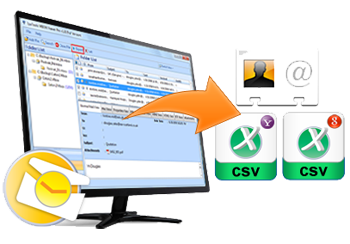
The tool allows you to export multiple MS Outlook Contacts into different contact formats at the same time. The software exports the MS Outlook address book into other formats which are supported by various email applications and devices.

Export with All Attributes
While exporting the Outlook Contacts to vCard file , all the attributes like Personal details, contact details, complete address and email addresses are retained by the software.
Select Items to Export
It is possible to select the items that you want to export after the conversion rather than saving all the files in order to save time and space.

Retain the Folder Structure
No changes are made to the original folder structure of the file after the conversion either into the EML or the MSG format.

Preview Contacts with the Attributes
Once the PST file is added , a preview of the file is generated showing details like full name , company name , phone numbers and other fields. All these fields are retained while exporting the Outlook Contacts into other formats.

Sort the contacts
The contacts can be sorted by the fields like Full name , the name of the company , phone numbers , categories etc.
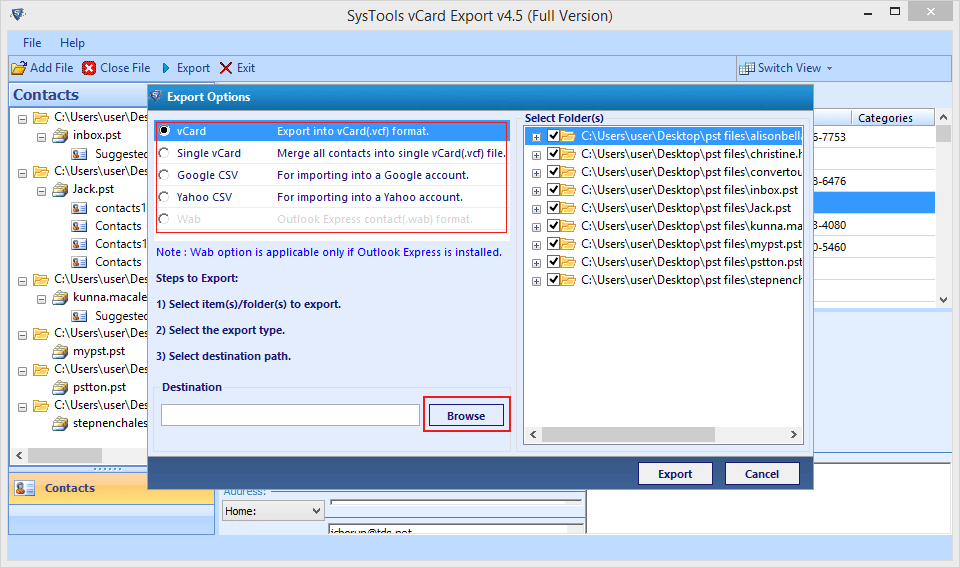
The tool can export MS Outlook contacts in multiple formats supported by various email applications and devices:
The tool offers multiple options to export a PST File to export the contacts:
Overview of Free and Licensed Version
| Features | Free Version | Full Version |
|---|---|---|
| Add Outlook PST File and Folder | ||
| Auto Detect Outlook PST Files | ||
| Preview Outlook Contacts with Attributes | ||
| Sort Contacts | ||
| Support for Windows 10 | ||
| Merge Multiple Contacts into one vCard Format | ||
| Export into vCard,WAB, Google CSV, YAhoo CSV | 15 Contacts/File | All Contacts |
| Cost | FREE | $49 |
| Download | Purchase |
Step 1: Initial Screen of vCard Exporter
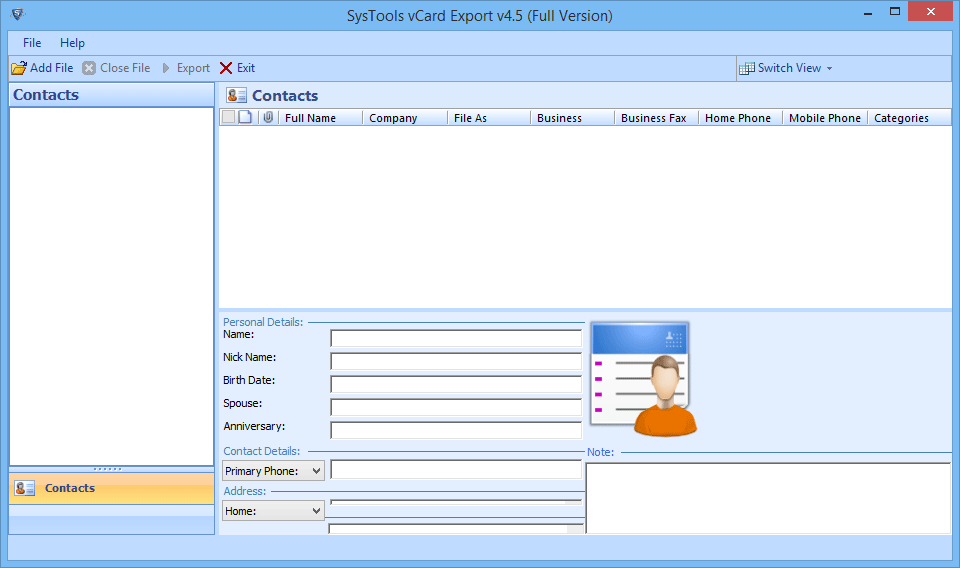
Step 2: Browse the PST File you want to export
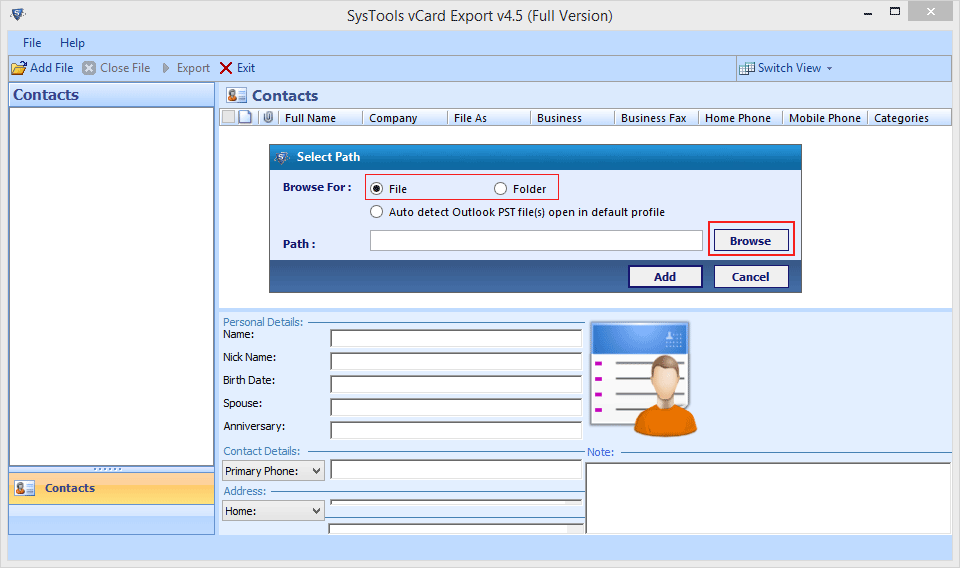
Step 3: Preview all Outlook File Contacts.
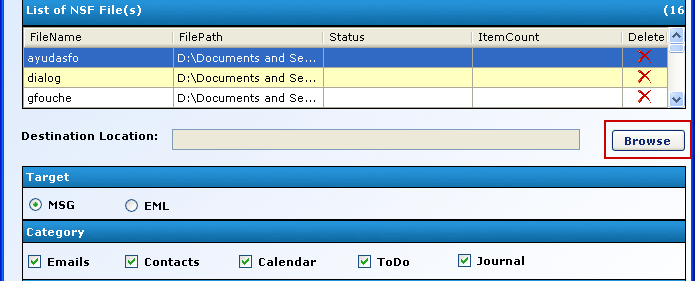
Step 4: Click on export to export into the selected format.
I was able to migrate all my Outlook Contacts to Google CSV in a very less time due to the incredible performance and speed of the vCard Export Software."
— Matthew Bailey , Sweden
"The tool helped me to merge all my contacts into one vCard file which I used later to import all the contacts onto my smartphone. This is a great tool to manage your Outlook Contacts and migrate them quickly with less effort.".
— Alexander Flintoff , Amsterdam